Logo
Submit a request
Sign in
  1. Euna Grants Support
  2. Instructions
  3. Applicant Portal

Articles in this section

  • How To Create an Account on the Applicant Portal
  • How To Edit Your Account Information
  • How To Log In to the Applicant Portal
  • How To Log Out of the Applicant Portal
  • How To Change Your Password
  • How To Invite Users to Your Organization Account
  • How To Save an Opportunity
  • How To View the Applications List
  • How To Delete an Application
  • How To Start an Application
See more

How To Download an Application

Updated March 12, 2025 16:10
Follow

Applications can be downloaded at any time in the application process.

  1. Use the opportunity link from the funder.
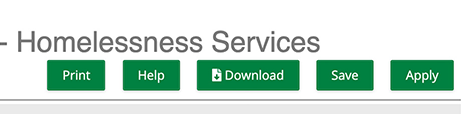
  2. On the opportunity details page, click  Download.
    Download button
  • Facebook
  • Twitter
  • LinkedIn
Was this article helpful?
0 out of 1 found this helpful
Have more questions? Submit a request
Return to top

Related articles

  • 12.13.2018 Release Notes
  • How To View the Applications List

Comments

0 comments

Please sign in to leave a comment.
Copyright © 2023 AmpliFund